
Best IPTV Apps Compared 2026: TiviMate vs Smarters Pro vs IBO Player for Vornic360 IPTV
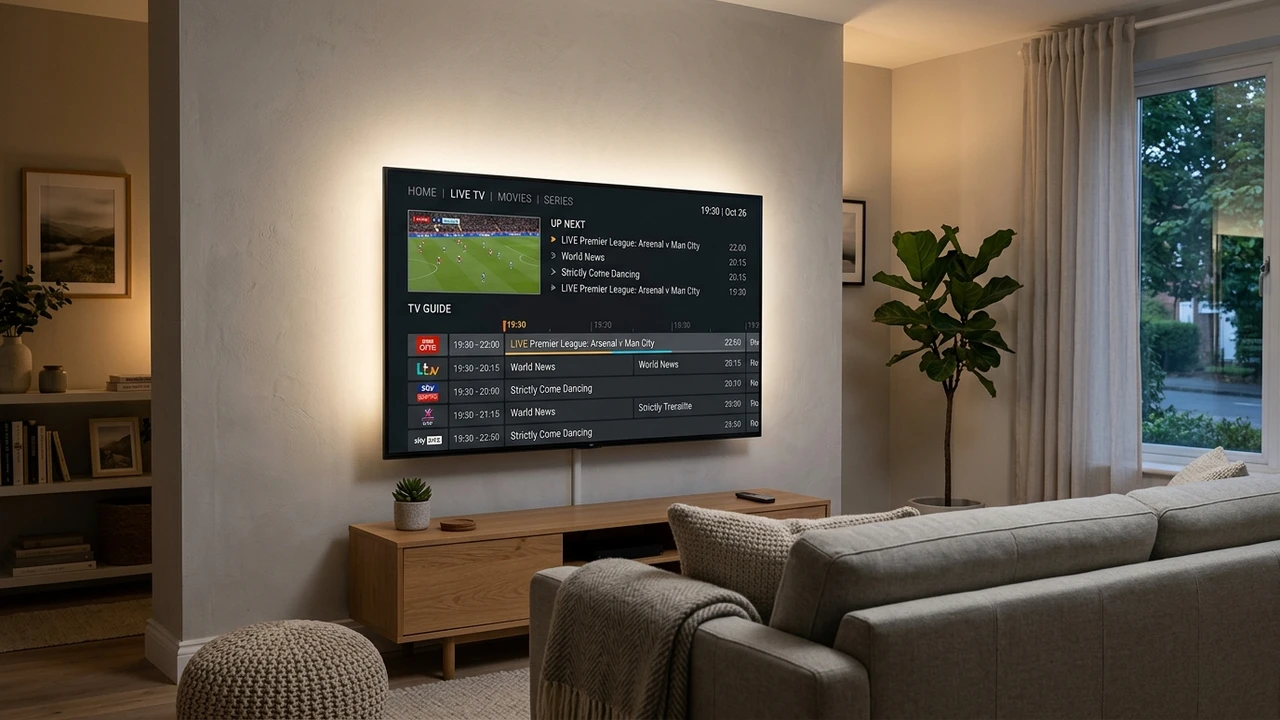
Selecting a top-tier service provider like Vornic360 IPTV provides you with high-speed bandwidth, pristine uncompressed 4K streams, and over 150,000 live channels. However, your day-to-day viewing experience also depends significantly on the player software running on your TV or streaming stick. The IPTV app dictates your channel guide navigation speed, channel zapping latency, catch-up capabilities, and overall user interface polish.
With dozens of media players cluttering application stores, finding the best app can feel overwhelming. In this hands-on 2026 shootout, the technical team at Vornic360 IPTV benchmarked the three leading applications—TiviMate IPTV Player, IPTV Smarters Pro, and IBO Player—evaluating UI fluidity, multi-screen viewing, EPG loading times, and hardware decoding efficiency.
Contender 1: TiviMate IPTV Player (The Uncontested King of Android & Fire TV)
If you stream using an Amazon Fire TV Stick 4K, Nvidia Shield TV, Chromecast with Google TV, or any Android TV box, TiviMate is widely considered the undisputed benchmark of the entire IPTV industry.
Why TiviMate Excels:
- Traditional Cable TV Interface: TiviMate features a breathtakingly sleek, modern electronic program guide (EPG) that mirrors the familiar navigation layout of traditional cable and satellite set-top boxes.
- Blazing Fast Channel Zapping: Switching between high-definition 60fps channels on Vornic360 IPTV takes less than half a second.
- Multi-View Capability: You can watch up to 4 or 9 live screens simultaneously on a single television—perfect for sports fans tracking multiple Sunday matches at once.
- Scheduled Recording & Cloud DVR: Schedule recordings of live broadcasts to your local device storage or network-attached storage (NAS).
- Custom Channel Groups: Hide channels you never watch, reorder bouquets, and organize your favorite sports and movie networks into custom groups.
Drawbacks:
TiviMate is exclusively available on Android-based operating systems. If you own an LG Smart TV running WebOS or an Apple TV, TiviMate is not natively available.
Contender 2: IPTV Smarters Pro (The Universal Cross-Platform Workhorse)
IPTV Smarters Pro is arguably the most famous and widely downloaded IPTV client in the world. Its biggest competitive advantage is its ubiquitous multi-platform availability.
Why IPTV Smarters Pro is Popular:
- Cross-Platform Universal Support: Runs effortlessly across Android, Amazon Fire TV, Windows PC, macOS, Apple iOS (iPhone/iPad), and select Smart TVs.
- Separate Live TV, Movies & Series Hubs: Clean dashboard dividing your Vornic360 IPTV content into distinct tiles for Live Channels, On-Demand Movies, and TV Series.
- Master Search Functionality: Instant keyword search that locates movies, actors, or specific live channels across hundreds of categories in seconds.
- Built-In Speed Test: Verify your real-time connection bandwidth directly within the app settings.
Drawbacks:
The TV Guide grid in IPTV Smarters Pro is not quite as ultra-responsive or visually customizable as TiviMate. However, for users seeking one consistent app across phones, laptops, and TVs, Smarters Pro is exceptional.
Contender 3: IBO Player (The Premier Choice for Samsung & LG Smart TVs)
If you own a modern Samsung Smart TV running Tizen OS or an LG OLED/NanoCell running WebOS and do not want to purchase an external Firestick or Apple TV box, IBO Player is the premier standalone application.
Why IBO Player Dominates Smart TVs:
- Native App Store Availability: Download directly from the Samsung Apps store or LG Content Store with no side-loading or developer settings required.
- Hardware Acceleration for 4K Playback: Highly optimized for the built-in processors of Samsung and LG televisions, eliminating stutter on 4K 60fps live sports.
- Web-Based Cloud Management: You do not need to struggle typing long M3U URLs with your TV remote control. Simply enter your TV's MAC address on the IBO Player website and upload your Vornic360 credentials remotely.
- Subtitles & Audio Track Switcher: Seamless switching between English, Spanish, French, and commentary audio feeds.
Drawbacks:
IBO Player offers a free 7-day trial period, after which it requires a small one-time lifetime activation fee (around €7/$8) paid directly to the app developers.
Direct Comparison: Feature Matrix
| Feature | TiviMate | IPTV Smarters Pro | IBO Player |
|---|---|---|---|
| Best Platform | Firestick & Android TV | Mobile, PC & Firestick | Samsung & LG Smart TVs |
| EPG Interface | 10/10 (Industry Best) | 8/10 (Functional) | 8.5/10 (Very Clean) |
| Multi-View Screens | Yes (Up to 9 screens) | Yes (Up to 4 screens) | No (Single screen) |
| Zapping Latency | < 0.5s | ~ 1.0s | < 0.8s |
| Xtream Codes API | Yes | Yes | Yes |
Alternative Notable Players for 2026
- GSE Smart IPTV (iOS & Apple TV): An established favorite among iPhone and iPad owners with comprehensive M3U parser support.
- IPTVX (Apple TV 4K): An exquisite Apple TV app with an interface strongly reminiscent of Netflix and Apple TV+.
- Formuler MYTVOnline3: Built exclusively into Formuler Z-Series hardware streaming boxes, offering unmatched proprietary PVR and channel switching.
Final Verdict: Which App Should You Choose?
For the absolute finest television experience with your Vornic360 IPTV subscription:
- If you use an Amazon Firestick, Fire TV Cube, or Android TV, choose TiviMate Premium without hesitation.
- If you want to watch directly on a Samsung or LG Smart TV without buying an external box, install IBO Player.
- If you want a versatile player that functions seamlessly across iPhones, Windows PCs, and Android devices, install IPTV Smarters Pro.
Ready to set up your preferred app? Check out our step-by-step Installation Guide with screenshots, or explore our discount Subscription Packages to activate your service instantly.
Test These Apps on Vornic360 IPTV Today
Experience how lightning-fast channels load on TiviMate, Smarters Pro, and IBO Player with our anti-freeze streaming server network.
Choose Your Plan & Get Started